
Hazen – Williams
Used for primarily water lines associated with production facilities. Limited to Reynolds numbers in the range of Re = 4,000 to 1,000000. Its chief drawback is that the Hazen-Williams coefficient is largely an experience factor which also depends on the viscosity of the product flowing.
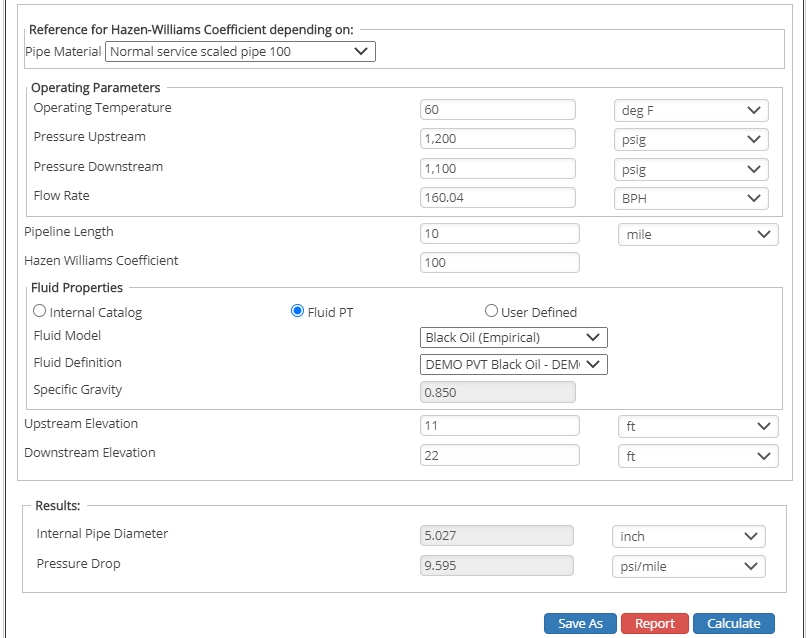
Flow Rate

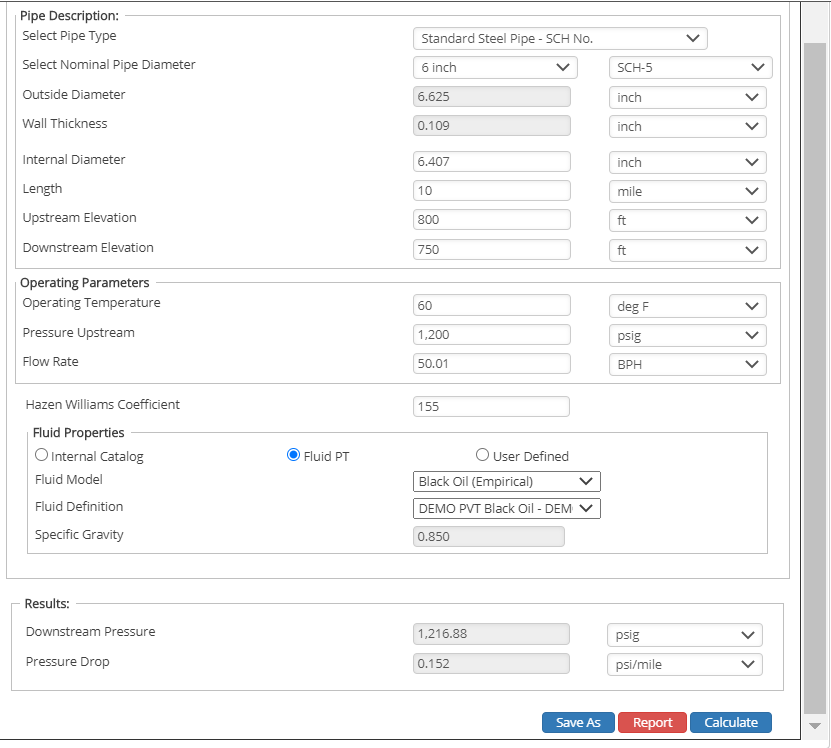
Upstream Pressure

Downstream Pressure

Internal Diameter
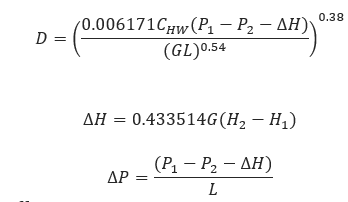
𝐶𝐻𝑊 – Hazen − Williams Coefficient
𝐻1 − Upstream Elevation[ft]
𝐻2 − Downstream Elevation[ft]
𝐻 − Head Loss[ft]
𝐷−Pipe Internal Diameter[in]
𝐿 − Pipeline Length[mi]
𝐺 − Liquid Specific Gravity
∆𝑃 − Pressure Drop[psi]
𝑃1 − Upstream Pressure[psi]
𝑃2 − Downstream Pressure[psi]
Input Parameters
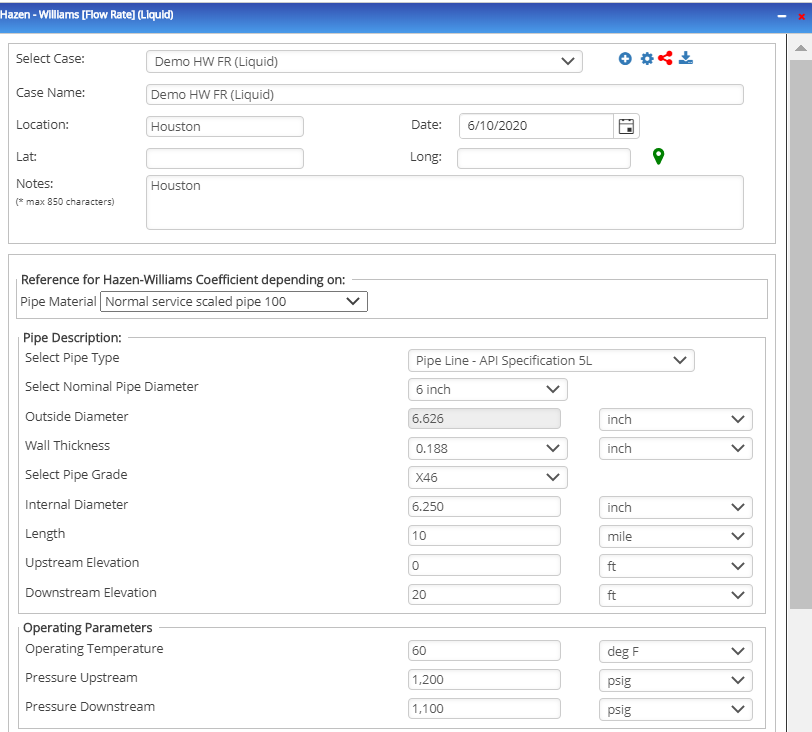
- To create a new case, click the “Add Case” button
- Select the Unknown and desired Flow Equation.
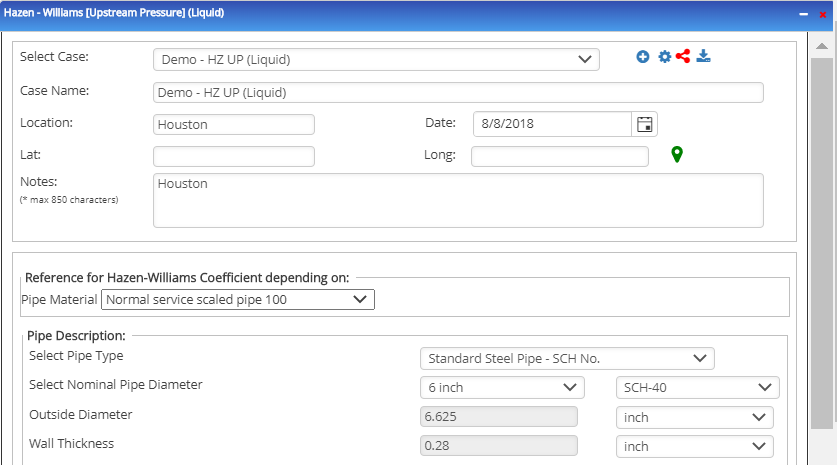
- Enter Case Name, Location, Date and any necessary notes.
- Fill out all required fields.
- Make sure the values you are inputting are in the correct units.
- Click the CALCULATE button.
- Flowing Temperature base(°F)
- Flow Rate [bbl./day]
- Gas Specific Gravity
- Upstream Pressure(psig)
- Internal Pipe Diameter(in)
- Length of Pipeline(mi)
- Hazen-Williams Coefficient
- Upstream Elevation(ft)
- Downstream Elevation(ft)
Outputs/Reports
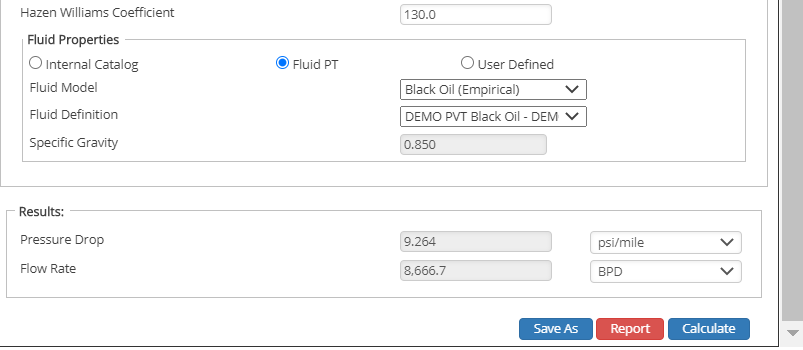
- View the results.
- If an input parameter needs to be edited be sure to hit the CALCULATE button after the change.
- To SAVE, fill out all required case details then click the SAVE button.
- To rename an existing file, click the SAVE As button. Provide all case info then click SAVE.
- To generate a REPORT, click the REPORT button.
- The user may export the Case/Report by clicking the Export to Excel/PowerPoint icon.
- To delete a case, click the DELETE icon near the top of the widget.
- Flow Rate(ft/sec.)
- Upstream Pressure(psi)
- Downstream Pressure(psi)
- Transmission Factor
- Pressure Drop [psi/mi]
- Internal Pipe Diameter(in)
Flow Rate
Upstream Pressure
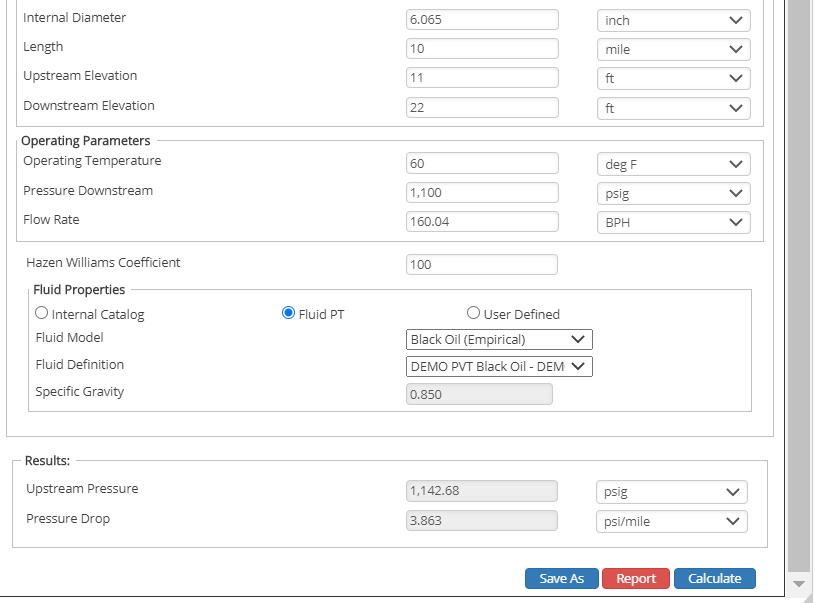
Downstream Pressure
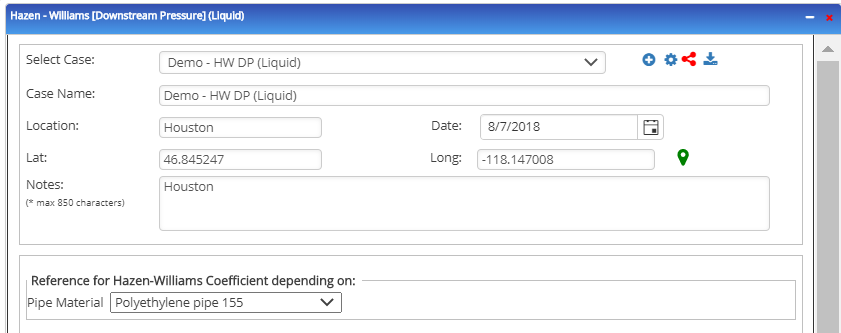
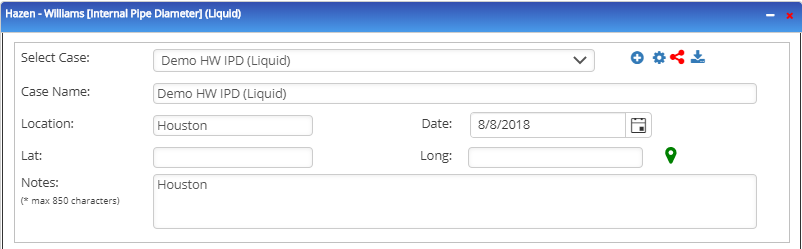
Internal Pipe Diameter
Related Links
Table of Contents
Table of Pages
Table of Contents
- Pipeline HUB User Resources
- AC Mitigation PowerTool
- API Inspector's Toolbox
- Horizontal Directional Drilling PowerTool
- Crossings Workflow
- Hydrotest PowerTool
- Pipeline Toolbox
- Encroachment Manager
- PRCI AC Mitigation Toolbox
- PRCI RSTRENG
- RSTRENG+
- Ad-hoc Analysis
- Database Import
- Data Availability Dashboard
- ESRI Map
- Report Builder
- Crossings Workflow
- Hydrotest PowerTool
- Investigative Dig PowerTool
- Hydraulics PowerTool
- External Corrosion Direct Assessment Procedure - RSTRENG
- Canvas
- Definitions
- Pipe Schedule and Specifications Tables